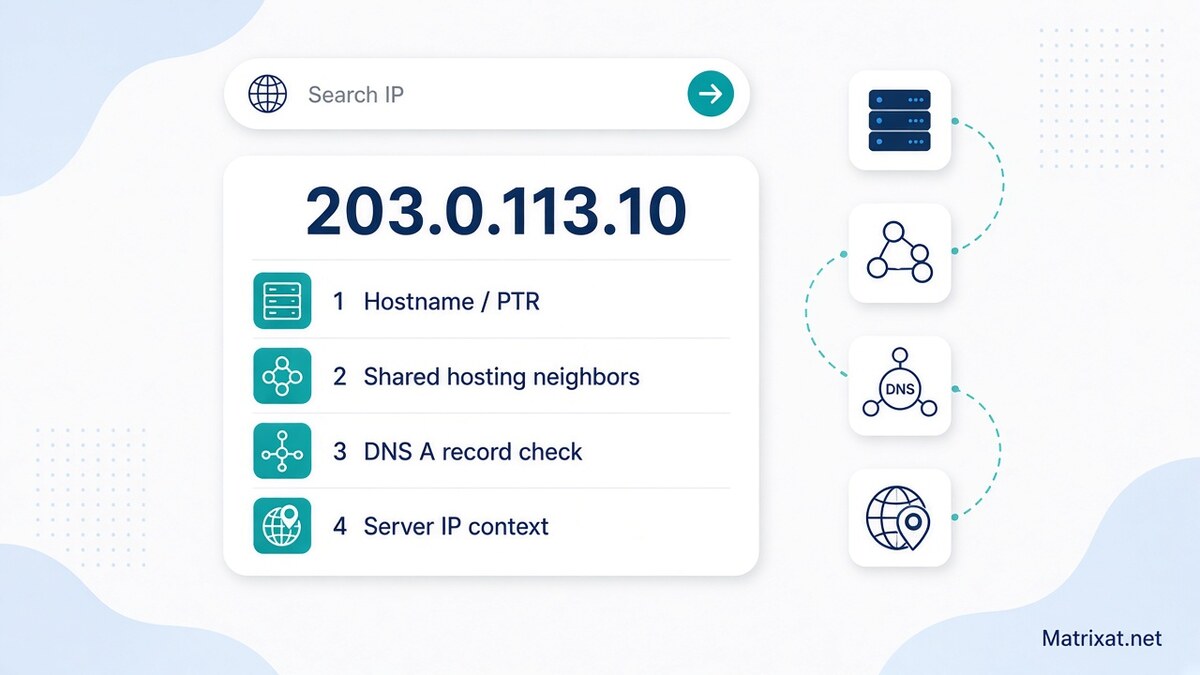
Reverse IP lookup on Matrixat: find the hostname for a server IP, understand shared-hosting neighbors, and verify with DNS, IP, and SSL tools.
A reverse IP lookup flips the usual DNS question. Instead of asking “which IP does this domain use?”, you start with an IP address and ask what hostname—or neighborhood of sites—is associated with it. On Matrixat, Reverse IP Lookup returns the reverse DNS (PTR) hostname for a public IP so you can spot provider patterns, confirm a server’s naming convention, and decide what to check next with DNS, IP, hosting, and SSL tools.
Try it now: open Reverse IP Lookup on Matrixat, paste a server IP from an A/AAAA record, and compare the hostname result with the workflows below. If you still need location context for that address, pair the result with IP Lookup.
Quick answer: what reverse IP lookup shows
Reverse IP lookup (reverse DNS) answers: “What hostname does the DNS system publish for this IP via PTR?” That hostname is a strong clue about the provider or machine role—for example cloud-style names, ISP patterns, or a branded server label.
People also use “reverse IP” to mean “which domains share this server IP?” That broader shared-hosting question is related, but it is not identical to a single PTR answer. Matrixat’s reverse tool focuses on the PTR/hostname direction; you then verify live domain→IP mapping with DNS Lookup and hosting checks when you need neighborhood context.
What Matrixat Reverse IP Lookup returns
When the lookup succeeds, Matrixat shows the reverse DNS hostname resolved for the IP you submitted (via standard reverse lookup). Practical reading tips:
- Cloud / VPS patterns — Hostnames often encode region or product hints (provider-style suffixes).
- ISP / carrier patterns — Dynamic or access ranges frequently include ISP naming.
- Same string as the IP — If the result simply echoes the IP, reverse DNS may be unset or not useful for branding clues.
- Empty / failed result — Invalid IPs, private ranges, or addresses without usable reverse DNS will not produce a helpful hostname.
Treat the hostname as infrastructure metadata—not as proof of who typed on a keyboard, and not as a complete inventory of every website that might resolve to the address.
How to run a reverse IP lookup on Matrixat
- Collect a clean IP — Prefer a bare public address such as
203.0.113.10or a valid IPv6 form. Do not paste a full URL into the IP field. - Open the tool — Go to https://matrixat.net/reverse-ip-lookup. Replace any prefilled client IP when you are investigating a server.
- Submit and read the hostname — Note provider-style suffixes, environment labels, and whether reverse DNS looks intentionally configured.
- Confirm forward DNS — If you care about a specific domain, run DNS Lookup and verify the A/AAAA record still points at that IP. Deep dive: DNS Lookup Explained.
- Add location context — Use IP Lookup for country/city/timezone estimates of the same address. Guide: IP Lookup.
- Hosting / TLS follow-ups — For live HTTPS sites on that IP, continue with Website Hosting Checker and SSL Lookup.
Reverse IP vs “domains on the same server IP”
These ideas get blended in search results, so keep them separate:
| Question | What answers it | Matrixat path |
|---|---|---|
| What hostname is published for this IP? | PTR / reverse DNS | Reverse IP Lookup |
| Does domain X currently use this IP? | Forward DNS A/AAAA | DNS Lookup |
| Where does the IP appear to be routed from? | Geolocation estimate | IP Lookup |
| Who registered a suspicious domain on that host? | Registration metadata | WHOIS Lookup · Guide: WHOIS Lookup |
Shared hosting and large cloud load balancers can place many unrelated sites behind one address. A useful reverse hostname does not automatically mean every co-hosted brand is related to you—or to each other. Use reverse IP as a lead, then prove relationships with DNS and operational context.
Why reverse DNS matters in real workflows
Mail and reputation hygiene
Many mail systems expect sensible reverse DNS on sending IPs. If your transactional mail IP has no PTR—or a PTR that disagrees with the forward name—deliverability reviews get harder. Reverse lookup is a quick sanity check before you escalate to a provider ticket.
Migration and cutover checks
After a hosting move, confirm the new IP’s reverse hostname looks like the environment you intended (new region, new provider naming) and that production domains’ A/AAAA records match. Mismatched reverse DNS is not always fatal, but unexpected hostnames are a useful “wrong rack” alarm.
Security and abuse review
When a phishing URL resolves to an IP, reverse DNS can hint at shared hosting, a cloud tenant pattern, or a residential/ISP range. Combine that with WHOIS age signals and SSL details before you draw conclusions. Report abuse through proper channels when needed—do not use lookups to harass people.
Practical Matrixat workflows
You have a domain and want server neighborhood clues
- DNS Lookup the apex and
wwwfor A/AAAA. - Copy each IP into Reverse IP Lookup; note hostnames.
- IP Lookup for region/timezone estimates.
- SSL Lookup on the hostname users actually visit.
- WHOIS the domain if registration age or registrar context matters.
You have only an IP from logs
- Reverse IP Lookup for hostname flavor.
- IP Lookup for coarse geography.
- If a hostname looks like a website, DNS Lookup that name and related records.
- Document IP + timestamp + tool outputs when escalating to a host or abuse desk.
Shared IP concern after a cutover
- Confirm your domains still resolve to the intended address with DNS Lookup.
- Reverse-check the IP hostname for unexpected provider labels.
- Review hosting/CDN settings if the address is anycast or proxied—PTR may describe an edge, not your origin story.
For a broader pre-ship pack across checkers, see the Checker tools guide.
Limits you should expect
- PTR is optional — Many addresses have weak or missing reverse DNS.
- One hostname ≠ full tenant list — Shared platforms can host many sites without listing them in PTR.
- CDN / proxy / anycast — The visible IP may belong to an edge network; reverse names describe that edge.
- Private ranges — Addresses like
10.xor192.168.xare not public internet endpoints for meaningful reverse lookups. - Stale caches — DNS changes propagate with TTL; re-check after migrations.
Responsible use
Use reverse IP lookup for legitimate operations, migrations, mail hygiene, support, and security review. Do not use infrastructure clues to harass individuals, bypass access controls, or invent ownership claims you cannot verify. Prefer organization-level and server facts when you publish findings. Educational framing stays compatible with careful AdSense-safe publishing: explain the tools, state their limits, and avoid “how to evade investigations” content.
FAQ: Reverse IP Lookup on Matrixat
Is Reverse IP Lookup free on Matrixat?
Yes. Open Reverse IP Lookup in your browser for standard checks.
Does reverse IP list every domain on the server?
Not reliably. Matrixat returns the reverse DNS hostname for the IP. Discovering every co-hosted domain requires additional sources and verification; always confirm with forward DNS for domains you care about.
What is the difference between reverse IP and IP lookup?
Reverse IP focuses on hostname/PTR association. IP Lookup focuses on estimated location and timezone for the address. Use both when you need a fuller network picture.
Why does the result look like the IP itself?
Reverse DNS may be unset or unhelpful for that block. Try again after confirming the address is public and correctly copied, then continue with DNS/hosting checks.
What should I open after Reverse IP Lookup?
Usually DNS Lookup and IP Lookup; add SSL and hosting checkers for live websites, and WHOIS when domain registration context matters.
Can reverse IP identify a person?
No. It exposes infrastructure naming clues for an IP address—not personal identity, browsing history, or a street address.
Conclusion
A solid reverse IP lookup workflow on Matrixat starts with the PTR hostname for a server IP, then expands into DNS confirmation, IP geolocation, hosting, SSL, and WHOIS when you need to understand shared-IP reality around a site or campaign host. Start at Reverse IP Lookup, treat hostnames as leads—not verdicts—and verify live behavior with the rest of the checker toolkit before you migrate traffic, trust a link, or file an infrastructure ticket.
Related reading: IP Lookup · DNS Lookup Explained · WHOIS Lookup · Checker tools guide · Reverse IP Lookup tool