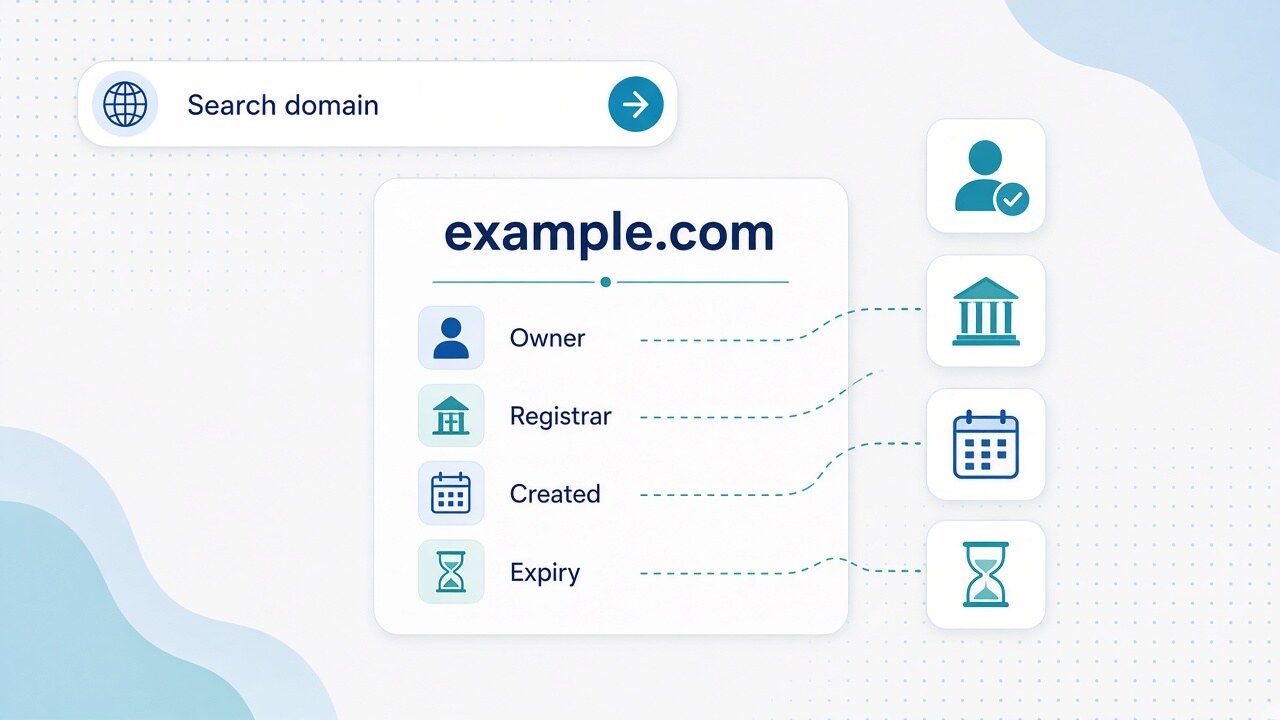
WHOIS lookup on Matrixat: find domain owner, registrar, creation date, and expiry—then verify with DNS, SSL, and checker tools.
A WHOIS lookup is the fastest way to inspect the registration layer of a domain: who appears as owner (when visible), which registrar manages the account, the creation date, and the expiry date. This guide shows how to run the check on Matrixat, how to read each field, and which companion tools to open next when DNS, SSL, or hosting also matter.
Try it now: open WHOIS Lookup on Matrixat, enter a root domain such as example.com, then compare the live result with the field guide below. For routing after registration checks, pair it with DNS Lookup.
What Matrixat WHOIS Lookup returns
WHOIS answers registration questions—not page content. In a typical Matrixat result you will see some mix of:
- Domain name — the exact label you queried (use the registrable domain, not a full URL path).
- Registrar — the company that sold and still manages the registration.
- Creation date — when this registration object was created at the registry.
- Updated date — last material change to the registration record.
- Expiry date — when the current paid term ends if not renewed.
- Registrant / owner — person or organization when privacy rules allow.
- Admin / tech / abuse contacts — operational or abuse channels.
- Name servers — which DNS hosts are listed as authoritative.
- Status flags — locks, holds, transfer blocks, and lifecycle states.
For a broader pre-ship workflow that includes SSL, redirects, and headers, see the Checker tools guide and the Checker tools category.
How to run a WHOIS lookup on Matrixat
- Copy the root domain — Example:
example.com. Striphttps://, paths, and query strings. Subdomains inherit the parent registration. - Open the tool — Go to https://matrixat.net/whois-lookup and submit.
- Scan the four headline fields — Owner (if visible), registrar, creation date, expiry date.
- Read status flags —
clientTransferProhibitedusually means transfer lock is on.clientHoldor redemption statuses need caution before you migrate traffic. - Note nameservers — They connect registration data to DNS control.
- Confirm with DNS — Run DNS Lookup for A/AAAA, MX, NS, and TXT if you care whether the domain is actively used.
- Save a fresh copy — WHOIS changes after renewals, transfers, and privacy toggles. Capture results before negotiations or abuse reports.
How to find the domain owner
The registrant section is what people mean by “domain owner.” When it is public, you may see a name, organization, email, phone, or postal address. Treat that as a contact lead—not proof of everyday site authorship—because agencies, employers, or proxies can appear on the record.
When the owner is visible
- Use the registrant email or organization for legitimate purchase, partnership, or legal notices.
- Prefer official channels over scraping personal data into marketing lists.
- Cross-check the organization against the live site’s About/Contact pages when available.
When the owner is hidden
Privacy protection and regional redaction are normal. You may see “REDACTED FOR PRIVACY,” a proxy contact, or empty personal fields. Then:
- Use the registrar abuse or contact path listed in WHOIS.
- Look for anonymous forwarding forms offered by privacy services.
- Use nameservers + DNS Lookup to understand hosting and email infrastructure.
- Add IP Lookup or Reverse IP Lookup when you need server neighborhood context after an A/AAAA answer.
- For acquisitions, work through a broker or the registrar’s buyer contact options.
How to identify the registrar
The registrar field tells you which company holds the customer account. That matters because transfers, unlocks, auth codes, renewals, and many abuse reports happen there—not at your web host panel.
- Do not confuse registrar (retail account) with registry (TLD database operator).
- Reseller brands may market the domain while WHOIS still shows the accredited registrar—use the WHOIS registrar string for formal requests.
- If edits “never apply,” compare WHOIS nameservers with live DNS Lookup NS answers; you may be editing the wrong DNS system.
How to read the creation date
The creation date is when the domain entered the registry for the current registration object. Practical uses on Matrixat workflows:
- Risk screening — brand-new lookalike domains deserve extra caution (still not proof of malice alone).
- Acquisition diligence — compare age with site behavior via DNS/SSL before paying for “aged” inventory.
- Launch docs — record creation/expiry beside your release checklist from the checker guide.
Note: a name that expired and was re-registered can show a recent creation date even if the string existed years earlier under a previous lifecycle.
How to read the expiry date
The expiry date is when the paid term ends. It is one of the most actionable WHOIS fields:
- Portfolio ops — renew critical brands early; keep payment methods current.
- Buying signals — approaching expiry can mean openness to sale—or upcoming grace/redemption if abandoned.
- Incident control — never assume auto-renew succeeded; re-check WHOIS after renewal invoices.
| Field | Question it answers | Next Matrixat tool |
|---|---|---|
| Owner / registrant | Who is listed as holding the name? | Registrar abuse path; optionally Safe URL for suspicious links |
| Registrar | Where is the account managed? | Keep for transfer/abuse tickets |
| Creation date | When was this registration created? | DNS Lookup for live usage clues |
| Expiry date | When does the current term end? | Calendar reminder + re-check WHOIS |
| Name servers | Who should answer DNS? | DNS Lookup |
Status flags you should not ignore
- clientTransferProhibited — transfer lock enabled (good for security).
- clientUpdateProhibited — updates restricted until unlocked.
- clientHold / serverHold — domain may not resolve; investigate before campaigns.
- redemptionPeriod / pendingDelete — lifecycle risk; recovery can be expensive or impossible soon.
Statuses explain why a site is down even when an old DNS cache “looks fine.” Always re-query WHOIS Lookup during incidents, then confirm live answers with DNS.
WHOIS vs DNS vs SSL on Matrixat
People say “domain lookup” for several different checks. Keep the split clear:
- WHOIS Lookup — owner (if public), registrar, creation, expiry, statuses, listed nameservers.
- DNS Lookup — A/AAAA, MX, TXT, NS, CNAME and whether web/email resolve now. Deep dive: DNS Lookup Explained.
- SSL Lookup — certificate hostnames, expiry, and chain symptoms for HTTPS hosts via SSL Lookup.
- Website Hosting Checker — provider clues after you have an IP: Website Hosting Checker.
Practical Matrixat workflows
Before you buy or migrate a domain
- WHOIS: confirm registration, registrar, and expiry window.
- If owner is private, plan contact via broker/registrar—not scraped guesswork emails.
- DNS: see whether the name hosts an active site or mail.
- SSL: confirm the live host presents the certificate you expect after cutover.
- Optional: URL Redirect Checker and HTTP Headers Lookup for homepage behavior.
Security and phishing review
- Very recent creation dates on lookalike brands deserve extra caution.
- Registrar + abuse contacts are the correct reporting path for impersonation.
- Screen suspicious campaign links with Safe URL Checker.
- Combine WHOIS dates with DNS/IP signals; none alone prove malice.
Business operations
- Export or screenshot WHOIS for every production domain quarterly.
- Alert on unexpected registrar changes or lock removals.
- Keep recovery emails under company control—not a single contractor inbox.
- Reuse the checker launch pack from the Checker tools guide.
Limits of WHOIS data
- Privacy and regional redaction hide many personal fields.
- Cached or mirrored answers can lag after a change.
- ccTLD policies differ; some country extensions reveal less than classic gTLDs.
- WHOIS does not show traffic, rankings, or full historical ownership narratives.
- A visible registrant can still be a privacy proxy or service account.
Responsible use
Use WHOIS for legitimate research, security, compliance, acquisitions, and operations. Do not harvest personal contacts for spam or harassment. When you share findings, prefer organization-level facts (registrar, dates, statuses) unless you have a lawful need for personal data.
FAQ: WHOIS Lookup on Matrixat
Is WHOIS Lookup free on Matrixat?
Yes. Open WHOIS Lookup in your browser—no signup required for standard use.
Can WHOIS always show the domain owner?
No. Privacy protection often hides personal registrant data. Registrar and dates usually remain visible.
What is the most important date in WHOIS?
For operations, expiry. For age/risk checks, creation. Read both every time.
Does the registrar field tell me who hosts the website?
Not directly. Use nameservers + DNS Lookup, then IP/hosting checkers if needed.
How often should I re-run a WHOIS lookup?
Before purchases, transfers, legal steps, or incident response—and on a schedule for production brands.
Which Matrixat tools should I open after WHOIS?
Start with DNS Lookup, then SSL Lookup for HTTPS hosts, and add redirect/header checkers before a public launch.
Conclusion
A solid WHOIS lookup workflow on Matrixat focuses on four decisions: who appears as owner, which registrar manages the account, when the domain was created, and when it expires—then status and nameservers for safety. Start at WHOIS Lookup, interpret privacy gaps without guessing, and confirm live behavior with DNS Lookup and the rest of the checker toolkit before you buy, migrate, or trust a domain.
Related reading: DNS Lookup Explained · Checker tools guide · WHOIS Lookup tool · SSL Lookup