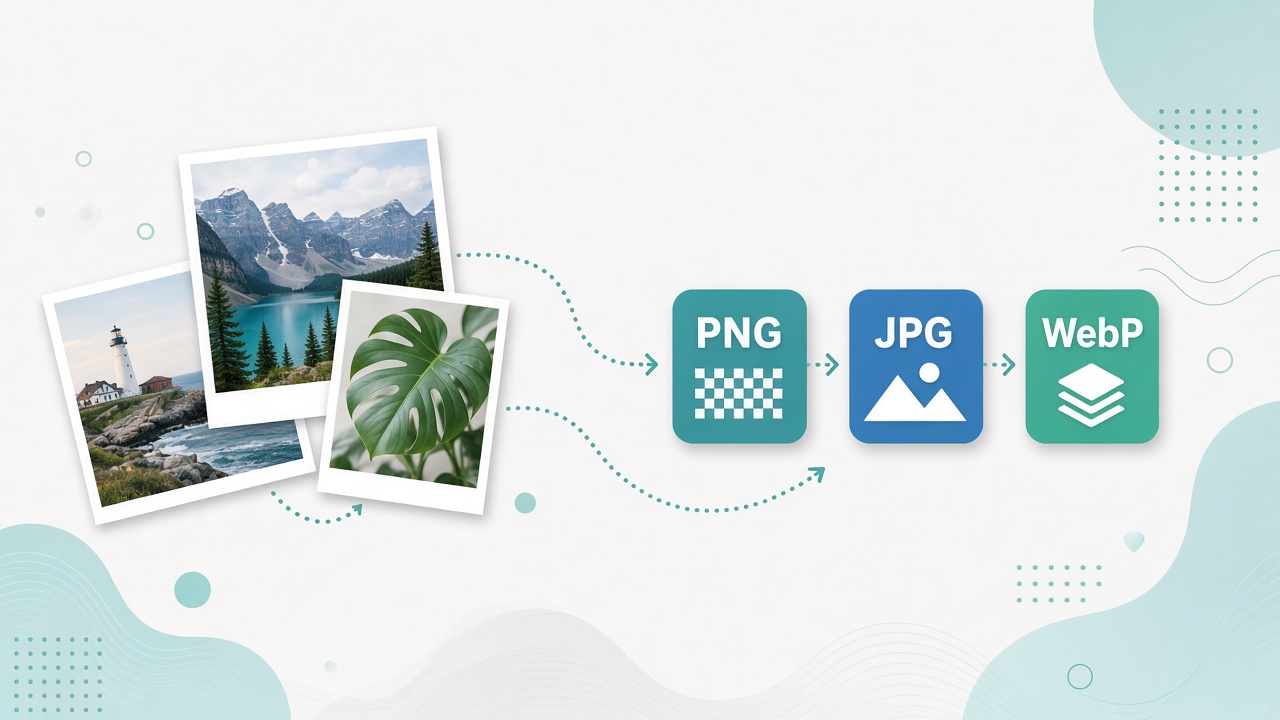
Convert PNG, JPG, WebP, AVIF and more, optimize images, read EXIF, and scan QR codes with Matrixat image tools in your browser.
Image work used to mean installing editors for a single export. Matrixat’s image category focuses on browser-side conversions and inspections: PNG↔JPG↔WebP↔AVIF and friends, optimization, EXIF reading, QR/barcode decode, and quick thumbnail grabs.
Open: Image tools on Matrixat.
Modern formats vs legacy formats
Web delivery increasingly prefers WebP and AVIF for smaller files, while print workflows and some CMSs still demand PNG or JPEG. Matrixat exposes pairwise converters so you can move between PNG, JPG, BMP, ICO, GIF, WebP, AVIF, TIFF, and TGA without a desktop queue.
Practical picks:
- Photos for blogs → JPG or WebP
- UI graphics with transparency → PNG or WebP
- Favicons → ICO (from PNG masters)
- Next-gen LCP candidates → AVIF/WebP with fallbacks
Performance context: web.dev image compression guidance and MDN image type docs.
Optimize, Base64, and metadata
Image Optimizer reduces weight for faster pages. Image to Base64 and Base64 to Image help with data URIs in emails or CSS demos—use sparingly for large assets. EXIF Reader reveals camera metadata; strip sensitive GPS data before publishing personal photos.
Color Picker samples colors for design tokens; pair with color converters.
QR, barcodes, and YouTube thumbs
QR Code Reader and Barcode Reader decode images of codes for inventory and campaign QA. YouTube Thumbnail Downloader fetches preview images for content planning—respect YouTube terms and copyrights.
How to convert images on Matrixat
- Choose source format → target format based on destination (web, print, favicon).
- Convert a sample and visually check artifacts (especially JPG quality).
- Run Image Optimizer if weight still exceeds budget.
- Verify dimensions for social crops separately from format conversion.
Troubleshooting table
| Issue | Likely cause | Fix |
|---|---|---|
| Muddy photo after PNG→JPG | Heavy compression | Re-export with higher quality; keep PNG for sharp UI |
| Transparency lost | JPG has no alpha | Use PNG/WebP |
| Favicon blurry | Wrong sizes | Export multiple ICO/PNG sizes from a sharp master |
| Page still slow | Dimensions too large | Resize before optimize; use modern formats |
Related guides
Good habits
- Keep a lossless master; derive web formats from it.
- Check EXIF before publishing client or personal photos.
- Measure LCP impact after swapping hero formats.
FAQ
Is AVIF always better than WebP?
Often smaller, but encoding support and CPU cost vary. Test on your real hero images.
Does optimization reduce dimensions?
Not always—compression and resizing are different steps. Shrink dimensions when the display size is smaller than the file.
Are conversions private?
Matrixat emphasizes in-browser workflows for many tools. Still avoid uploading regulated imagery to any online service outside policy.
Sources
Conclusion
Treat Matrixat image tools as your quick conversion bench: pick the format your channel needs, optimize, inspect metadata, and move on. Start at Image tools or jump to Image Optimizer when page weight is the blocker.
Choosing formats with intent
Every conversion should answer “where will this file live?” A hero image on a marketing homepage wants aggressive modern compression with responsive variants. A logo in a print PDF wants clean edges and possibly PNG. A favicon needs tiny, crisp derivatives. Matrixat’s pairwise converters make the mechanical step easy; you still choose the intent.
Quality control checklist after conversion
- Zoom to 100% and look for banding or muddy text.
- Confirm transparency did not become a black/white box.
- Confirm file weight meets your performance budget.
- Confirm color profile expectations for brand-critical assets.
- Confirm EXIF GPS is removed for privacy-sensitive photos.
QR and barcode QA for campaigns
Print a QR at real size and scan with QR Code Reader from a photo of the print—not only from a perfect digital PNG. Printers, lamination glare, and scaling destroy codes that looked fine on-screen. The same idea applies to product barcodes before packaging runs.
Base64 images: use sparingly
Inlining tiny icons as Base64 can reduce request counts. Inlining large photos bloats HTML/CSS and hurts caching. Convert with Image to Base64 for demos and emails when appropriate, then switch to proper hosted assets for scale.
Additional FAQ
Should I convert everything to AVIF today?
Use AVIF/WebP where supported and keep fallbacks for older clients if your audience needs them.
Why is my WebP larger than JPG?
Sometimes source noise or settings cause that. Compare visually and by bytes; pick the winner per image.
Conversion matrix mindset
Think in a matrix: rows are sources, columns are destinations. You rarely need every cell—just the ones your stack uses weekly. Bookmarks to PNG→WebP, JPG→PNG, and anything→ICO cover most web teams. Specialized TIFF/TGA paths matter more for VFX and legacy print exchanges.
Performance budgets
Set a numeric budget for hero images (for example, under 200KB on mobile). Convert, optimize, measure, and stop when visual quality collapses. Matrixat accelerates iteration; budgets decide when to stop iterating.
Trust and copyright
Only transform images you have rights to use. Thumbnail downloaders and converters do not grant licenses. Keep provenance notes for client assets.
Practical scenarios library
The following scenarios show how teams typically combine Matrixat pages related to Image Tools: Convert, Resize, and Optimize Without Desktop Software during real workweeks. Adapt them to your process rather than copying them blindly.
- Monday setup: bookmark the core tools you touch daily and verify they still load.
- Midweek incident: reproduce the issue, capture Matrixat output, and attach evidence to the ticket before debating opinions.
- Friday cleanup: convert leftover drafts, assets, or configs into their final shareable forms and archive sources.
- Onboarding: pair a new teammate with this guide and have them complete three hands-on tasks end to end.
- Audit mode: once a month, re-check that public pages, files, or configs still match the expectations documented here.
When a scenario fails, note whether the failure was understanding (needed this article), navigation (needed the category hub), or product gaps (needed a different Matrixat tool). That small retrospective keeps your workflow honest and improves the next publish cycle.
Quality bar matching Matrixat’s best articles
High-performing Matrixat articles share traits you should demand from every guide: precise titles, unique meta descriptions, structured headings, internal links to live tools, practical FAQs, and citations to standards or vendor documentation when claims are technical. This upgraded guide follows that bar so readers can move from explanation to action without leaving matrixat.net.
If you are building the broader 100-article program, treat this category guide as a hub and spin deep posts from individual tools later—exactly as the DNS Lookup deep dive complements the checker hub.
Extended reference for practitioners
This section exists to push the guide from overview into operating manual territory for Image Tools: Convert, Resize, and Optimize Without Desktop Software. Read it when you own the workflow—not only when you are curious.
Inputs you should prepare before opening Matrixat
- The exact hostname, file, string, unit value, or URL you intend to transform or verify.
- The success criteria written in one sentence (for example, “www and apex both serve HTTPS with the March certificate”).
- A place to store outputs (ticket, password manager, DAM, CMS draft).
- Known constraints: max file size, character limit, allowed formats, compliance rules.
Outputs worth keeping
- Screenshots or copied results for audits.
- Final artifacts with versioned filenames.
- A short note of what changed and who approved it.
Failure modes to expect
- Wrong environment (staging vs production) compared by accident.
- Cached results mistaken for live failures.
- Unit or encoding mismatches that look like product bugs.
- Policy violations when sensitive data is pasted into the wrong context.
Suggested internal link pack
Keep this guide, the category page at matrixat.net/image-manipulation-tools, and two or three favorite tools in one browser folder. Speed comes from reducing navigation friction, not from memorizing every Matrixat URL.
Review cadence
Revisit quarterly. Tools gain new companions, browsers change defaults, and your own checklist should evolve after incidents. A guide that never updates becomes folklore; a guide tied to Matrixat’s live catalog stays useful.
Final operational checklist
- Open the relevant Matrixat category hub.
- Select the smallest tool that answers your question.
- Run a sample, then the real input.
- Validate the output against success criteria.
- Store evidence and artifacts.
- Link teammates back to this article when onboarding.
If you complete those six steps consistently, you are already operating at the quality bar this upgraded Matrixat documentation aims for—clear intent, live tools, and repeatable outcomes.