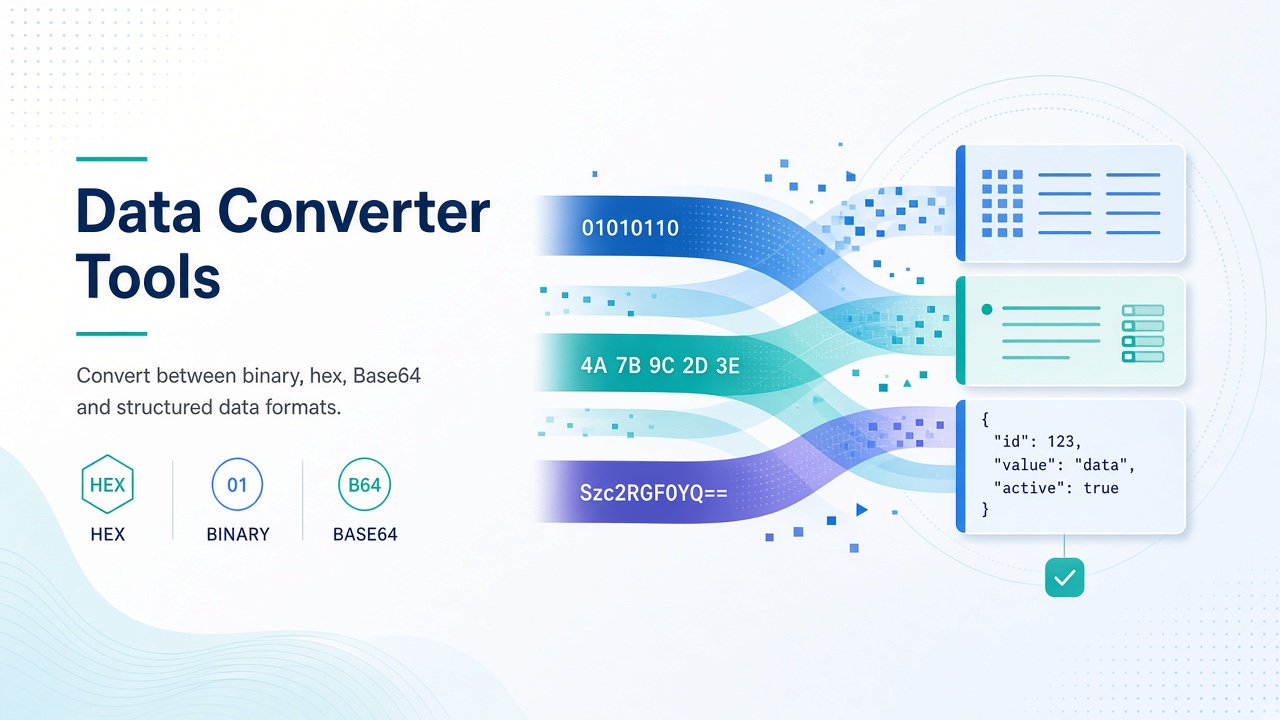
Convert Base64, URL encoding, binary, hex, Morse, Markdown, and more with Matrixat converter tools—fast browser transforms for builders and analysts.
Converters translate values between representations systems already understand: Base64 for APIs, percent-encoding for URLs, hex dumps for firmware notes, Morse for learning demos. Matrixat groups these quick transforms so you do not need a one-off script for every paste.
Browse: Converter tools and use this guide to pick the right utility.
Encodings you will touch weekly
Base64 Encoder and Base64 Decoder round-trip binary-safe text for data URIs, basic tokens, and config snippets. URL Encoder and URL Decoder fix query strings that break when spaces and reserved characters sneak in.
HTML Entity Converter helps when rich text turns into & soup; IDN / Punycode Converter explains internationalized domain labels used in DNS.
Background reading: RFC 4648 (Base64) and MDN percent-encoding.
Numeric bases and classic codes
Binary, Hex, Decimal, Octal, and ASCII converters help students and engineers move between bases without a calculator rabbit hole. Morse Converter supports learning and hobby radio demos.
Number to Words is useful for checks, invoices, and accessibility-minded readouts of numeric amounts.
Markup and color bridges
Markdown to HTML and BBCode to HTML turn lightweight markup into HTML fragments for previews. Color Converter sits adjacent for design tokens—see also the dedicated Color converters guide.
Image↔data URI needs live in the image category: Image to Base64 and Base64 to Image.
How to convert safely on Matrixat
- Identify the source format (encoding vs numeric base vs markup).
- Open the matching tool and paste a small sample first.
- Verify round-trip encode→decode when correctness matters.
- Never convert production secrets in shared screen recordings.
Troubleshooting table
| Symptom | Tool | Cause |
|---|---|---|
| Broken query link | URL Encoder/Decoder | Unescaped spaces or & separators |
| API rejects payload | Base64 Decoder | Missing padding; wrong alphabet |
| HTML shows entities literally | HTML Entity Converter | Double-encoding |
| IDN email/domain fails | Punycode Converter | Unicode label not converted for DNS |
Related guides
Good habits
- Document which encoding your API expects (standard vs URL-safe Base64).
- Keep fixtures in version control; use Matrixat for interactive debugging.
- Prefer explicit tool names in runbooks (“URL-decode the return_url param”).
FAQ
Is Base64 encryption?
No. Base64 is an encoding, not confidentiality. Anyone can decode it.
When do I need Punycode?
When working with internationalized domain names in systems that expect ASCII DNS labels.
Can converters replace unit converters?
Different job. Encoding converters change representation; length/weight/time hubs convert measured quantities—see Unit and Data guides.
Sources
Conclusion
Matrixat converter tools shrink the gap between messy paste and usable data. Bookmark Base64 Decoder and URL Decoder for weekly debugging, and explore the rest of the converter category when formats collide.
Encode vs encrypt vs hash — clear language
Teams casually say “encrypt” when they mean Base64. That verbal slip causes bad security decisions. Encoding is reversible representation change. Encryption requires a key and is designed for confidentiality. Hashing is one-way fingerprinting. Matrixat converters in this category are primarily encoders/decoders and numeric/markup translators—not a substitute for TLS or vault systems.
API and webhook debugging patterns
When a webhook signature fails, decode URL-encoded bodies before you blame crypto. When a mobile client sends a file as Base64, decode a sample to confirm truncation did not drop padding. When an OAuth redirect “looks right” but fails, URL-parse and compare byte-for-byte with the developer console whitelist—including trailing slashes.
Teaching and onboarding uses
Binary/hex/ASCII converters make excellent onboarding labs for junior engineers. Have them encode a short string through hex and Base64, then decode back. The lesson sticks better than slides. Morse and number-to-words converters similarly support classroom demos without installing toolchains.
Markdown and BBCode preview hygiene
Markdown to HTML is ideal for checking whether a README table renders before you commit. Avoid pasting untrusted Markdown that could include risky HTML if your renderer is loose—Matrixat output should still be reviewed like any HTML fragment before injecting into production pages.
Additional FAQ
Why does Base64 end with = signs?
Padding ensures length multiples of 4. Some URL-safe variants omit padding—match the consumer’s expectations.
Can I decode JWTs here?
JWT payloads are Base64URL segments, but full verification needs signature checks. Use dedicated JWT tooling for auth decisions.
Is HTML entity conversion enough against XSS?
No. Entity conversion helps with encoding issues; XSS defense needs contextual escaping and CSP.
Converter directory
- Base64 encode/decode — API and data URI transport.
- URL encode/decode — query string safety.
- HTML entities — editor escape issues.
- IDN/Punycode — internationalized domains.
- Binary/Hex/Decimal/Octal/ASCII — base translations.
- Morse — learning and hobby contexts.
- Number to words — checks and readable amounts.
- Markdown/BBCode to HTML — markup previews.
- Color converter — design token bridges.
Round-trip testing as a habit
Whenever correctness matters, encode then decode and compare to the original. If they differ, stop and investigate padding, alphabet variants, or character sets before you paste into production. Round-trip testing is the cheapest bug prevention Matrixat enables.
Documenting encodings in APIs
Your OpenAPI or README should state encodings explicitly: “file_content is standard Base64, not Base64URL.” Matrixat helps individuals debug; written contracts prevent the bug from recurring across teams.
Practical scenarios library
The following scenarios show how teams typically combine Matrixat pages related to Converter Tools: Formats, Encodings, and Quick Data Transforms during real workweeks. Adapt them to your process rather than copying them blindly.
- Monday setup: bookmark the core tools you touch daily and verify they still load.
- Midweek incident: reproduce the issue, capture Matrixat output, and attach evidence to the ticket before debating opinions.
- Friday cleanup: convert leftover drafts, assets, or configs into their final shareable forms and archive sources.
- Onboarding: pair a new teammate with this guide and have them complete three hands-on tasks end to end.
- Audit mode: once a month, re-check that public pages, files, or configs still match the expectations documented here.
When a scenario fails, note whether the failure was understanding (needed this article), navigation (needed the category hub), or product gaps (needed a different Matrixat tool). That small retrospective keeps your workflow honest and improves the next publish cycle.
Quality bar matching Matrixat’s best articles
High-performing Matrixat articles share traits you should demand from every guide: precise titles, unique meta descriptions, structured headings, internal links to live tools, practical FAQs, and citations to standards or vendor documentation when claims are technical. This upgraded guide follows that bar so readers can move from explanation to action without leaving matrixat.net.
If you are building the broader 100-article program, treat this category guide as a hub and spin deep posts from individual tools later—exactly as the DNS Lookup deep dive complements the checker hub.
Extended reference for practitioners
This section exists to push the guide from overview into operating manual territory for Converter Tools: Formats, Encodings, and Quick Data Transforms. Read it when you own the workflow—not only when you are curious.
Inputs you should prepare before opening Matrixat
- The exact hostname, file, string, unit value, or URL you intend to transform or verify.
- The success criteria written in one sentence (for example, “www and apex both serve HTTPS with the March certificate”).
- A place to store outputs (ticket, password manager, DAM, CMS draft).
- Known constraints: max file size, character limit, allowed formats, compliance rules.
Outputs worth keeping
- Screenshots or copied results for audits.
- Final artifacts with versioned filenames.
- A short note of what changed and who approved it.
Failure modes to expect
- Wrong environment (staging vs production) compared by accident.
- Cached results mistaken for live failures.
- Unit or encoding mismatches that look like product bugs.
- Policy violations when sensitive data is pasted into the wrong context.
Suggested internal link pack
Keep this guide, the category page at matrixat.net/converter-tools, and two or three favorite tools in one browser folder. Speed comes from reducing navigation friction, not from memorizing every Matrixat URL.
Review cadence
Revisit quarterly. Tools gain new companions, browsers change defaults, and your own checklist should evolve after incidents. A guide that never updates becomes folklore; a guide tied to Matrixat’s live catalog stays useful.
Final operational checklist
- Open the relevant Matrixat category hub.
- Select the smallest tool that answers your question.
- Run a sample, then the real input.
- Validate the output against success criteria.
- Store evidence and artifacts.
- Link teammates back to this article when onboarding.
If you complete those six steps consistently, you are already operating at the quality bar this upgraded Matrixat documentation aims for—clear intent, live tools, and repeatable outcomes.