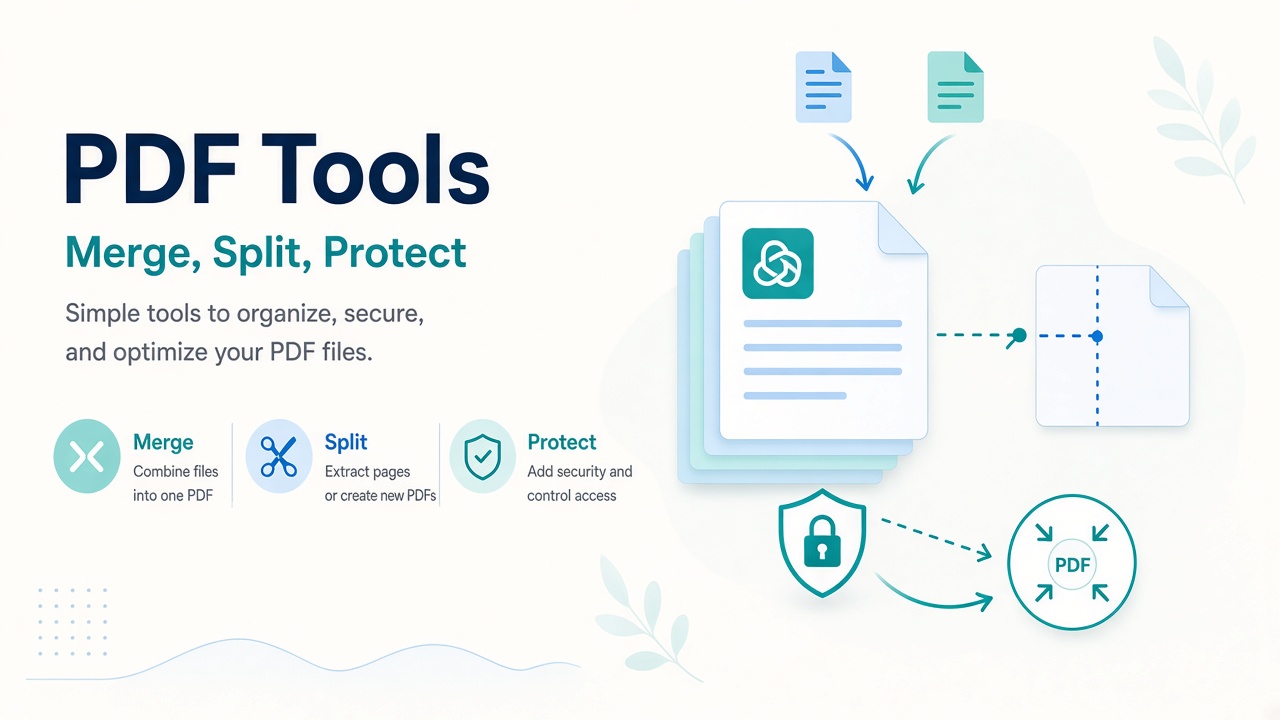
Merge, split, compress, rotate, watermark, protect, and unlock PDFs with Matrixat PDF tools—practical browser workflows for everyday document tasks.
PDF tasks should not require heavy desktop suites for every merge or page delete. Matrixat PDF tools cover the everyday jobs: combine files, split or extract pages, compress, rotate, organize, watermark, protect, unlock, and flatten—aimed at private, browser-centered workflows.
Category: PDF tools on Matrixat.
Assemble and disassemble
Merge PDF combines contracts, appendices, and scanned sections. Split PDF breaks large packets apart. Extract PDF Pages pulls only what you need; Delete PDF Pages drops blanks or outdated sheets. Organize PDF reorders pages before sharing.
Fix orientation, weight, and layers
Rotate PDF corrects phone scans. Compress PDF reduces email bounce risk from oversized attachments—check readability after compression. Flatten PDF bakes form fields/layers for stable printing and archival handoff.
Protect, unlock, and watermark
Protect PDF adds a password for sensitive shares. Unlock PDF removes a password you are authorized to remove—never attempt to bypass protections on documents you do not own or lack rights to open. Watermark PDF marks drafts and review copies.
Privacy note: prefer local/browser processing for confidential PDFs whenever possible, and follow your organization’s document policy.
Recommended Matrixat PDF workflow
- Organize/rotate pages first.
- Delete or extract to the minimal set.
- Merge related packets.
- Compress if size exceeds email/portal limits.
- Watermark drafts; password-protect finals when required.
Troubleshooting table
| Problem | Tool | Tip |
|---|---|---|
| Attachment too large | Compress PDF | Compress after removing unused pages |
| Pages upside down | Rotate PDF | Fix before merge |
| Form fields shift in print | Flatten PDF | Flatten a copy; keep editable original |
| Wrong page order | Organize PDF | Reorder then merge related files |
Related tools
- Image tools guide — prepare images before PDF placement.
- MIME Type Checker — verify downloads are real PDFs.
Good habits
- Keep an unflattened, uncompressed master.
- Use clear filenames:
client_contract_v3_merged.pdf. - Share passwords out-of-band, never in the same email as the file.
FAQ
Will compress always keep perfect quality?
No. Compression trades size for fidelity—spot-check text and images.
Is unlocking someone else’s PDF allowed?
Only if you have the legal right/permission. Matrixat tools are for legitimate document owners and authorized workflows.
Can PDF tools replace Adobe entirely?
For common ops, yes. Advanced accessibility tagging, complex prepress, or enterprise DRM may still need specialized software.
Sources
- ISO 32000 family — PDF standards overview
- Adobe — About PDF (format background)
- WCAG 2.2 — consider accessibility when publishing PDFs
Conclusion
Use Matrixat PDF tools as a reliable bench for merge, split, compress, and protect tasks. Begin with Merge PDF or Compress PDF, and keep authorization and privacy in mind whenever documents contain personal or business-sensitive data.
Document scenarios Matrixat handles well
- Merging a signed cover letter with a proposal appendix.
- Removing blank scanner pages before client delivery.
- Compressing a deck that exceeds an HR portal’s upload limit.
- Watermarking “DRAFT” across review copies.
- Password-protecting financial PDFs for email transport.
These are frequent, legitimate business tasks. They are also where privacy matters: treat employee and customer PDFs as sensitive even when the tool is convenient.
Order of operations prevents rework
If you compress before deleting pages, you waste quality on pages you will discard. If you watermark before rotating, watermarks may sit wrong. If you protect before flattening a form you still need to edit, you may lock yourself into an awkward loop. Follow: fix pages → reduce pages → merge → compress → watermark → protect.
Legal and ethical boundaries for unlock
Unlock PDF is for documents you own or are authorized to access. Using any tool to circumvent protections on others’ files can be unlawful. Matrixat’s product posture is legitimate productivity—not circumvention coaching. When in doubt, ask the document owner for an unprotected copy or the password.
Accessibility and archival notes
Flattening and heavy compression can harm accessibility tags or readability. Keep an accessible master when you publish public-sector or customer-facing PDFs, and follow WCAG practices for text, contrast, and structure where applicable.
Additional FAQ
Why does a merged PDF look larger than the sum of parts?
Fonts and shared resources may be duplicated depending on how files were created. Compress after merge if needed.
Can I edit text sentences here?
Matrixat PDF tools focus on page/file operations rather than full word-processor-style text editing.
PDF tool directory
- Merge, Split, Extract, Delete, Organize pages
- Rotate, Compress, Flatten
- Watermark, Protect, Unlock (authorized use only)
Email gateways and portal limits
Many portals still enforce 10–25MB limits. Compress PDF after removing unnecessary pages. If compression destroys needed detail (small fonts in contracts), split into parts or use an approved file share instead of destroying readability.
Version naming conventions
After each Matrixat operation, save a new filename: _merged, _compressed, _protected. Overwriting the only copy of a signed contract is an avoidable disaster.
Practical scenarios library
The following scenarios show how teams typically combine Matrixat pages related to PDF Tools on Matrixat: Merge, Split, and Protect Files Privately during real workweeks. Adapt them to your process rather than copying them blindly.
- Monday setup: bookmark the core tools you touch daily and verify they still load.
- Midweek incident: reproduce the issue, capture Matrixat output, and attach evidence to the ticket before debating opinions.
- Friday cleanup: convert leftover drafts, assets, or configs into their final shareable forms and archive sources.
- Onboarding: pair a new teammate with this guide and have them complete three hands-on tasks end to end.
- Audit mode: once a month, re-check that public pages, files, or configs still match the expectations documented here.
When a scenario fails, note whether the failure was understanding (needed this article), navigation (needed the category hub), or product gaps (needed a different Matrixat tool). That small retrospective keeps your workflow honest and improves the next publish cycle.
Quality bar matching Matrixat’s best articles
High-performing Matrixat articles share traits you should demand from every guide: precise titles, unique meta descriptions, structured headings, internal links to live tools, practical FAQs, and citations to standards or vendor documentation when claims are technical. This upgraded guide follows that bar so readers can move from explanation to action without leaving matrixat.net.
If you are building the broader 100-article program, treat this category guide as a hub and spin deep posts from individual tools later—exactly as the DNS Lookup deep dive complements the checker hub.
Extended reference for practitioners
This section exists to push the guide from overview into operating manual territory for PDF Tools on Matrixat: Merge, Split, and Protect Files Privately. Read it when you own the workflow—not only when you are curious.
Inputs you should prepare before opening Matrixat
- The exact hostname, file, string, unit value, or URL you intend to transform or verify.
- The success criteria written in one sentence (for example, “www and apex both serve HTTPS with the March certificate”).
- A place to store outputs (ticket, password manager, DAM, CMS draft).
- Known constraints: max file size, character limit, allowed formats, compliance rules.
Outputs worth keeping
- Screenshots or copied results for audits.
- Final artifacts with versioned filenames.
- A short note of what changed and who approved it.
Failure modes to expect
- Wrong environment (staging vs production) compared by accident.
- Cached results mistaken for live failures.
- Unit or encoding mismatches that look like product bugs.
- Policy violations when sensitive data is pasted into the wrong context.
Suggested internal link pack
Keep this guide, the category page at matrixat.net/pdf-tools, and two or three favorite tools in one browser folder. Speed comes from reducing navigation friction, not from memorizing every Matrixat URL.
Review cadence
Revisit quarterly. Tools gain new companions, browsers change defaults, and your own checklist should evolve after incidents. A guide that never updates becomes folklore; a guide tied to Matrixat’s live catalog stays useful.
Final operational checklist
- Open the relevant Matrixat category hub.
- Select the smallest tool that answers your question.
- Run a sample, then the real input.
- Validate the output against success criteria.
- Store evidence and artifacts.
- Link teammates back to this article when onboarding.
If you complete those six steps consistently, you are already operating at the quality bar this upgraded Matrixat documentation aims for—clear intent, live tools, and repeatable outcomes.