Clean, count, convert, and reshape text with Matrixat text tools—case converters, counters, extractors, list utilities, and more in your browser.
Text work looks simple until you inherit a CSV of crooked titles, a paste full of duplicate lines, or a brief that must fit a 60-character SERP limit. Matrixat text tools are small, focused utilities that reshape strings in the browser—no desktop suite required.
Open the category: Text tools on Matrixat and pick the job below.
Why browser text tools still matter
Writers, SEO specialists, support agents, and developers all normalize text. Doing it locally in Matrixat keeps sensitive drafts off random upload sites and keeps the feedback loop instant: paste, transform, copy.
- Normalize case for titles, navigation, and product names.
- Measure length for ads, meta tags, and SMS templates.
- Extract emails/URLs from messy research dumps.
- Sort, reverse, or randomize lists for QA and content ops.
Case, counters, and size
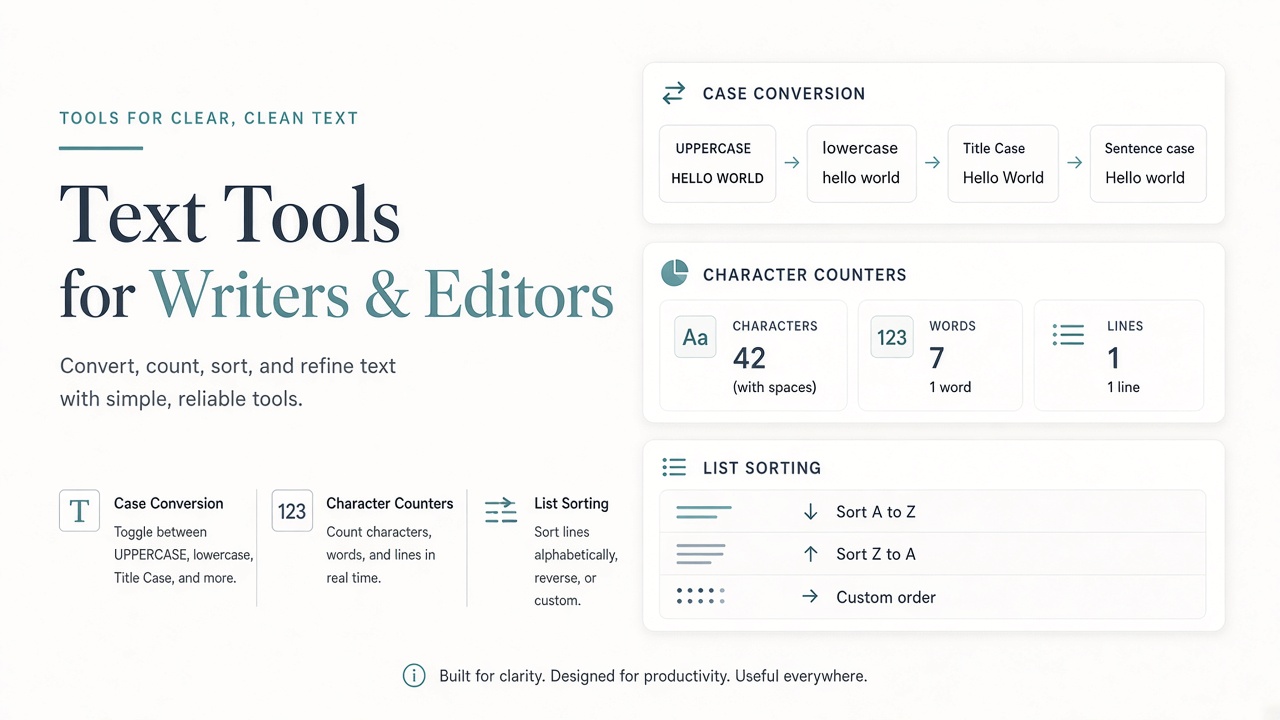
Case Converter switches among lower, UPPER, title, and related styles so headings stay consistent across CMS fields. Character Counter and Text Size Calculator help you hit platform limits before you publish—not after a truncated preview.
For URL-safe names, pair text cleanup with Slug Generator in the generator category when you need permalinks.
Cleaning lists and messy paste
Duplicate Lines Remover collapses repeated rows from exports. List Alphabetizer, List Randomizer, and Reverse List reshape bullet lists for outlines, raffles, or QA shuffles. Text Separator helps split and reformat glued text.
Emojis Remover strips emoji characters that break legacy databases, SMS gateways, or strict SEO fields.
Reverse, extract, and analyze
Reverse Words and Reverse Letters are handy for puzzles, teaching demos, and quick transforms. Email Extractor and URL Extractor pull structured contacts and links from research notes—use them only on text you are allowed to process.
Palindrome Checker tests mirrored strings for learning and light validation tasks.
Playful generators in the text cluster
Upside Down Text, Old English Text, and Cursive Text create stylized output for social posts and mockups. Keep accessibility in mind: stylized Unicode can break screen readers, so reserve it for decorative contexts.
How to use Matrixat text tools effectively
- Paste only the slice you need to transform.
- Apply one transform, copy the result, then chain the next tool if needed.
- For SEO fields, count characters after the final wording—not before editing.
- When extracting emails/URLs, double-check consent and source legitimacy.
Troubleshooting table
| Problem | Tool | Tip |
|---|---|---|
| Title Case looks wrong on small words | Case Converter | Review style guide exceptions (of, the, a) |
| Meta description truncated | Character Counter | Target ~150–160 characters for classic SERP snippets |
| CSV has repeated rows | Duplicate Lines Remover | Normalize whitespace before deduping if needed |
| Emoji breaks import | Emojis Remover | Strip before database insert |
Related tools
- Generator tools guide — Lorem Ipsum, slugs, passwords.
- Converter tools guide — encodings and numeric bases.
- HTML Tags Remover — strip markup from copied rich text.
Good habits
- Keep a “clean text” checklist for every content launch.
- Prefer plain text intermediate files when collaborating across tools.
- Do not paste secrets into any online tool you do not trust—Matrixat runs in-browser utilities designed for speed and privacy-minded workflows, but treat credentials with care.
FAQ
Are text tools only for writers?
No. Developers use them for fixtures and string normalization; marketers use counters and extractors; support teams clean macros and canned replies.
Will Case Converter fix grammar?
No—it changes letter case. Grammar and clarity remain a human (or dedicated writing) task.
Can I process confidential drafts?
Prefer tools that keep work in the browser session and avoid pasting regulated personal data unless your policy allows it.
Sources
- Google Search Central — Title links
- Google Search Central — Snippets
- Unicode Standard Annex #15 — Normalization
Conclusion
Matrixat text tools remove friction from everyday string work. Open Case Converter or Character Counter the next time a paste fight slows your publish button—and keep the rest of the category one click away for cleanup, extraction, and list ops.
Editorial workflows that benefit most
Content teams gain leverage when text tools sit beside the CMS—not buried in a rarely opened desktop app. Typical wins include normalizing product title case before a catalog import, trimming meta descriptions to SERP-friendly lengths, removing emoji from fields that sync into older ERPs, and alphabetizing author lists for conference pages.
Developers benefit differently: fixtures need deterministic casing, test emails extracted from logs must be cleaned, and reverse/list tools help build tiny demos for teaching string algorithms without spinning up an IDE.
SEO and ads copy constraints
Search snippets and paid ads punish overflow. A character counter will not write better copy, but it prevents the avoidable failure where your carefully written description truncates mid-word. Count after the final edit pass. If you localize into German or Finnish, recount—average word length changes the usable character budget.
Pair counters with Case Converter when brand rules demand sentence case in UI but Title Case in blog H1s. Inconsistent casing looks unprofessional in SERPs even when the keywords are right.
Extraction ethics and quality control
Email and URL extractors are powerful on research corpuses you own or are licensed to process. They are the wrong tool for scraping personal data without a lawful basis. After extraction, dedupe lines and spot-check for false positives (emails inside image filenames, URLs wrapped in punctuation).
Chaining tools without corrupting meaning
Order matters. If you reverse letters before removing duplicates, you may create accidental collisions. If you strip emoji before counting characters for SMS, your count matches what the gateway sends. Prefer a written micro-pipeline for recurring jobs: “separator → dedupe → alphabetize → copy.”
Additional FAQ
Can text tools replace a style guide?
No. They enforce mechanics (case, length, uniqueness). Tone and terminology still need a human style guide.
Why did Title Case capitalize “of”?
Simple converters often capitalize every word. Adjust manually for house style.
Do reverse tools change Unicode safely?
Most visible Latin text reverses fine; complex scripts and combining marks may need specialized libraries.
Tool directory for text workflows
- Case Converter — normalize casing rules across titles and UI strings.
- Character Counter / Text Size Calculator — enforce length budgets.
- Duplicate Lines Remover — clean exports and lists.
- List Alphabetizer / Randomizer / Reverse List — reorder collections.
- Text Separator — split glued fields.
- Reverse Words / Reverse Letters — transforms and teaching demos.
- Email Extractor / URL Extractor — harvest structured tokens from notes you may process.
- Emojis Remover — sanitize for strict systems.
- Palindrome Checker — validation/learning.
- Upside Down / Old English / Cursive generators — decorative text for informal contexts.
Creating a team paste standard
Agree where cleaned text lives. Some teams paste Matrixat output directly into CMS; others keep an intermediate plain-text file in the ticket. The second approach makes reviews easier because reviewers see exact bytes that will publish. Whatever you choose, write it down—tools amplify process, they do not invent it.
Accessibility and decorative Unicode
Fancy Unicode styles can break screen readers and search indexing. Keep decorative generators off product UI and official documentation. Prefer semantic HTML and CSS for visual style.
Practical scenarios library
The following scenarios show how teams typically combine Matrixat pages related to Text Tools for Writers, Marketers, and Developers during real workweeks. Adapt them to your process rather than copying them blindly.
- Monday setup: bookmark the core tools you touch daily and verify they still load.
- Midweek incident: reproduce the issue, capture Matrixat output, and attach evidence to the ticket before debating opinions.
- Friday cleanup: convert leftover drafts, assets, or configs into their final shareable forms and archive sources.
- Onboarding: pair a new teammate with this guide and have them complete three hands-on tasks end to end.
- Audit mode: once a month, re-check that public pages, files, or configs still match the expectations documented here.
When a scenario fails, note whether the failure was understanding (needed this article), navigation (needed the category hub), or product gaps (needed a different Matrixat tool). That small retrospective keeps your workflow honest and improves the next publish cycle.
Quality bar matching Matrixat’s best articles
High-performing Matrixat articles share traits you should demand from every guide: precise titles, unique meta descriptions, structured headings, internal links to live tools, practical FAQs, and citations to standards or vendor documentation when claims are technical. This upgraded guide follows that bar so readers can move from explanation to action without leaving matrixat.net.
If you are building the broader 100-article program, treat this category guide as a hub and spin deep posts from individual tools later—exactly as the DNS Lookup deep dive complements the checker hub.
Extended reference for practitioners
This section exists to push the guide from overview into operating manual territory for Text Tools for Writers, Marketers, and Developers. Read it when you own the workflow—not only when you are curious.
Inputs you should prepare before opening Matrixat
- The exact hostname, file, string, unit value, or URL you intend to transform or verify.
- The success criteria written in one sentence (for example, “www and apex both serve HTTPS with the March certificate”).
- A place to store outputs (ticket, password manager, DAM, CMS draft).
- Known constraints: max file size, character limit, allowed formats, compliance rules.
Outputs worth keeping
- Screenshots or copied results for audits.
- Final artifacts with versioned filenames.
- A short note of what changed and who approved it.
Failure modes to expect
- Wrong environment (staging vs production) compared by accident.
- Cached results mistaken for live failures.
- Unit or encoding mismatches that look like product bugs.
- Policy violations when sensitive data is pasted into the wrong context.
Suggested internal link pack
Keep this guide, the category page at matrixat.net/text-tools, and two or three favorite tools in one browser folder. Speed comes from reducing navigation friction, not from memorizing every Matrixat URL.
Review cadence
Revisit quarterly. Tools gain new companions, browsers change defaults, and your own checklist should evolve after incidents. A guide that never updates becomes folklore; a guide tied to Matrixat’s live catalog stays useful.
Final operational checklist
- Open the relevant Matrixat category hub.
- Select the smallest tool that answers your question.
- Run a sample, then the real input.
- Validate the output against success criteria.
- Store evidence and artifacts.
- Link teammates back to this article when onboarding.
If you complete those six steps consistently, you are already operating at the quality bar this upgraded Matrixat documentation aims for—clear intent, live tools, and repeatable outcomes.