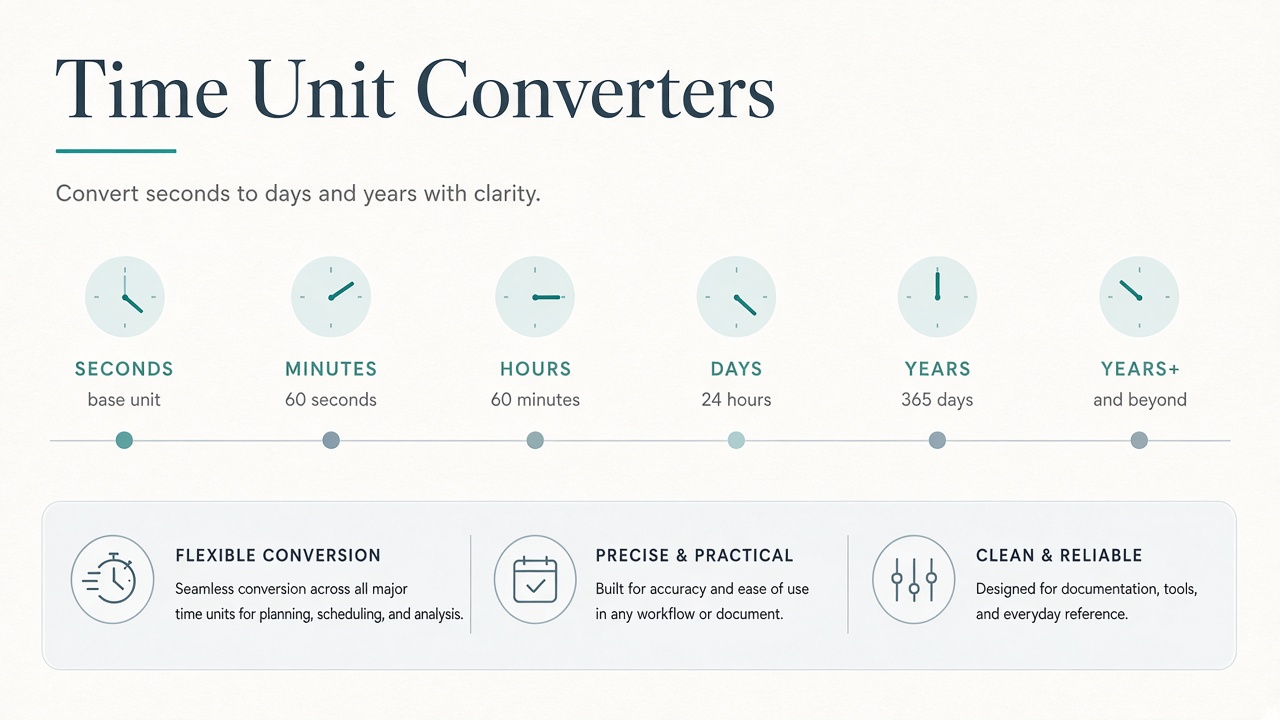
Convert seconds, minutes, hours, days, weeks, and more with Matrixat time converters—useful for SLAs, cron math, science, and scheduling.
Time math shows up in cron schedules, incident SLAs, scientific intervals, game cooldowns, and invoice periods. Matrixat time converters provide pairwise transforms across everyday and specialized units so you do not misplace a zero in a spreadsheet at 2 a.m.
Open: Time converter tools.
Civil time vs precise intervals
Most ops work uses seconds, minutes, hours, days, and weeks. Scientific contexts may need milliseconds, microseconds, nanoseconds, or larger spans like years and centuries. Matrixat’s broad pair list supports both—pick the pair that matches your source and target unit labels exactly.
SLA and on-call examples
- Convert a 99.9% monthly downtime budget into minutes.
- Translate ticket age from hours into days for reporting.
- Turn experiment durations from seconds into human-readable hours.
When calendars matter (months/years), remember civil months vary in length; use converters for uniform durations, and calendar libraries for date arithmetic.
How to convert durations on Matrixat
- Write down the raw number and unit from logs or docs.
- Choose the Matrixat pair (e.g., seconds→hours).
- Convert, then round in a way your audience understands.
- For schedules, verify timezone/calendar effects separately.
Troubleshooting table
| Mistake | Impact | Fix |
|---|---|---|
| Assuming 30 days = month always | Billing disputes | State “30-day period” vs calendar month |
| ms vs s confusion | 1000× SLA errors | Label units in every log line |
| Ignoring leap seconds/days | Rare edge bugs | Use specialized time libraries for absolute timestamps |
Related guides
FAQ
Can these converters replace datetime libraries?
No. They convert durations/units. Parsing timestamps and time zones still needs proper libraries.
Why so many time tools?
Pairwise pages match search queries like “minutes to seconds” with a direct Matrixat utility.
Sources
Conclusion
Label your units, convert with Matrixat time converters, and keep calendar logic separate from pure duration math—especially when SLAs and customer reports are on the line.
SLA arithmetic without embarrassment
If a vendor sells 99.9% monthly uptime, convert the allowed downtime into minutes and publish it internally before an incident. During an outage, convert elapsed seconds to hours for status pages using language humans understand. Matrixat time converters remove calculator typos when leadership is watching.
Cron and scheduling pitfalls
Cron uses calendar fields, not pure durations. Converting “90 minutes” to hours is fine; expressing “every 90 minutes” in cron may need different patterns. Use converters for duration math, then implement schedules with tools that understand calendars.
Scientific and product analytics
Experiment platforms may store durations in milliseconds while dashboards show seconds. Document the storage unit next to every metric name (latency_ms). When someone pastes a raw value into Slack, convert before debating regressions.
Human communication
Saying “172800 seconds” to a customer is hostile. Convert to days. Conversely, engineers may need seconds for code. Be bilingual—Matrixat is the interpreter.
Additional FAQ
Does a day always equal 86400 seconds?
For most business math yes; leap seconds exist but rarely affect SLA sheets.
What about time zones?
Converters do not replace timezone-aware timestamps. Pair them with proper datetime libraries.
Status page language kit
Convert technical durations into calm public language: “We paused accepting orders for 26 minutes” rather than “1560 seconds of exception rate elevation.” Matrixat makes the conversion exact so you do not round dishonestly under pressure.
Product analytics hygiene
Standardize event duration units in your warehouse. If one service emits ms and another seconds, convert at ingestion and store one canonical unit. Use Matrixat while reconciling historical mixed data during migrations.
Practical scenarios library
The following scenarios show how teams typically combine Matrixat pages related to Time Unit Converters for Scheduling, Science, and SLAs during real workweeks. Adapt them to your process rather than copying them blindly.
- Monday setup: bookmark the core tools you touch daily and verify they still load.
- Midweek incident: reproduce the issue, capture Matrixat output, and attach evidence to the ticket before debating opinions.
- Friday cleanup: convert leftover drafts, assets, or configs into their final shareable forms and archive sources.
- Onboarding: pair a new teammate with this guide and have them complete three hands-on tasks end to end.
- Audit mode: once a month, re-check that public pages, files, or configs still match the expectations documented here.
When a scenario fails, note whether the failure was understanding (needed this article), navigation (needed the category hub), or product gaps (needed a different Matrixat tool). That small retrospective keeps your workflow honest and improves the next publish cycle.
Quality bar matching Matrixat’s best articles
High-performing Matrixat articles share traits you should demand from every guide: precise titles, unique meta descriptions, structured headings, internal links to live tools, practical FAQs, and citations to standards or vendor documentation when claims are technical. This upgraded guide follows that bar so readers can move from explanation to action without leaving matrixat.net.
If you are building the broader 100-article program, treat this category guide as a hub and spin deep posts from individual tools later—exactly as the DNS Lookup deep dive complements the checker hub.
Extended reference for practitioners
This section exists to push the guide from overview into operating manual territory for Time Unit Converters for Scheduling, Science, and SLAs. Read it when you own the workflow—not only when you are curious.
Inputs you should prepare before opening Matrixat
- The exact hostname, file, string, unit value, or URL you intend to transform or verify.
- The success criteria written in one sentence (for example, “www and apex both serve HTTPS with the March certificate”).
- A place to store outputs (ticket, password manager, DAM, CMS draft).
- Known constraints: max file size, character limit, allowed formats, compliance rules.
Outputs worth keeping
- Screenshots or copied results for audits.
- Final artifacts with versioned filenames.
- A short note of what changed and who approved it.
Failure modes to expect
- Wrong environment (staging vs production) compared by accident.
- Cached results mistaken for live failures.
- Unit or encoding mismatches that look like product bugs.
- Policy violations when sensitive data is pasted into the wrong context.
Suggested internal link pack
Keep this guide, the category page at matrixat.net/time-converter-tools, and two or three favorite tools in one browser folder. Speed comes from reducing navigation friction, not from memorizing every Matrixat URL.
Review cadence
Revisit quarterly. Tools gain new companions, browsers change defaults, and your own checklist should evolve after incidents. A guide that never updates becomes folklore; a guide tied to Matrixat’s live catalog stays useful.
Final operational checklist
- Open the relevant Matrixat category hub.
- Select the smallest tool that answers your question.
- Run a sample, then the real input.
- Validate the output against success criteria.
- Store evidence and artifacts.
- Link teammates back to this article when onboarding.
If you complete those six steps consistently, you are already operating at the quality bar this upgraded Matrixat documentation aims for—clear intent, live tools, and repeatable outcomes.